Search for Existing Contract
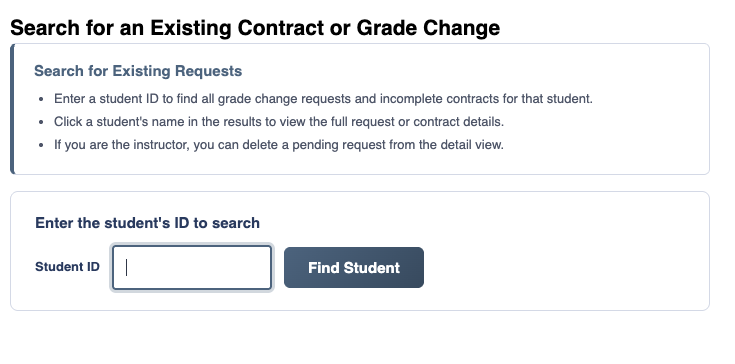
To search for a student's existing grade change requests or incomplete contracts, click "Search for Existing Contract" in the Search section of the sidebar menu. Enter the student's ID number and click "Find Student".
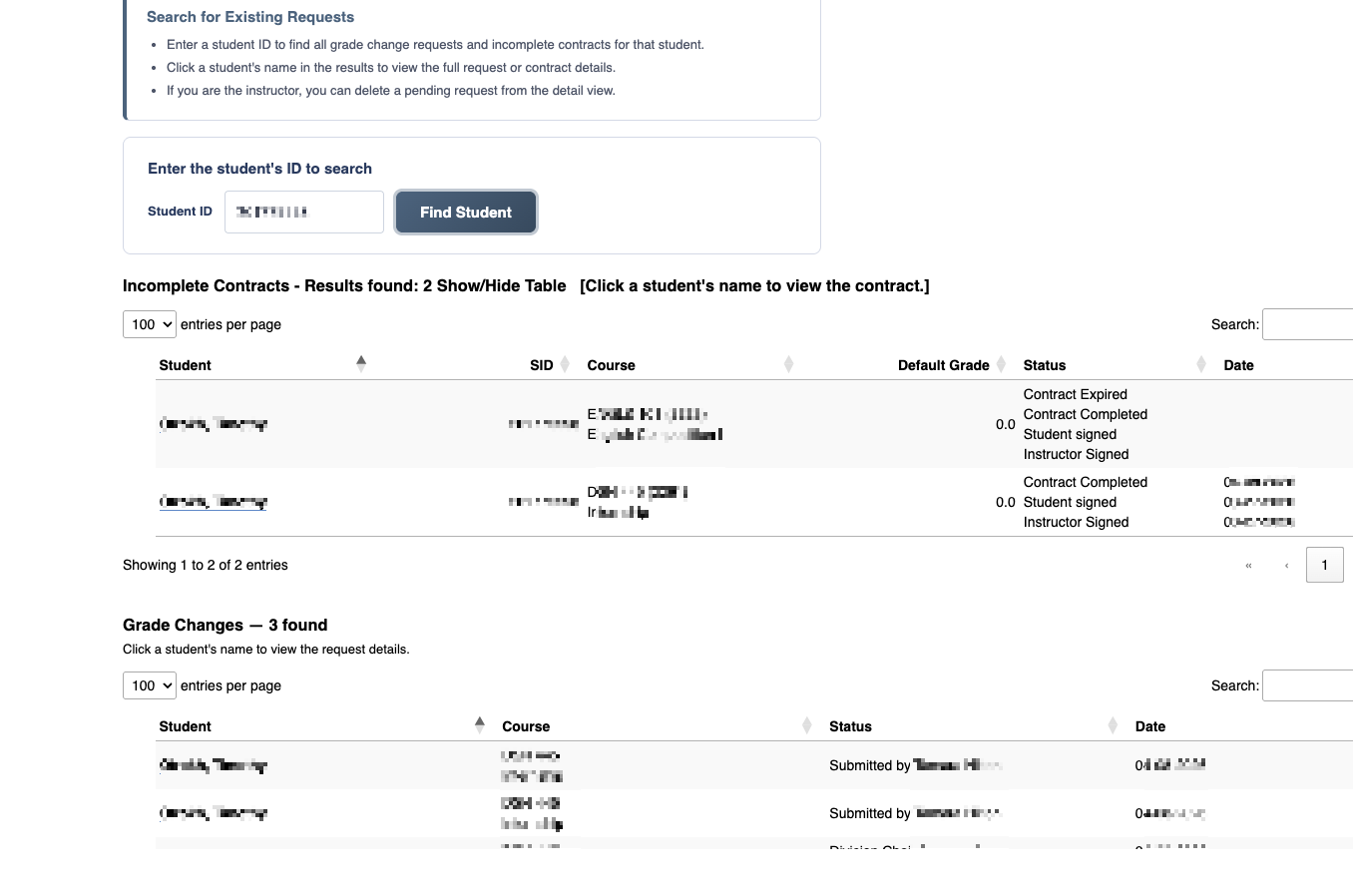
The results show all grade change requests and incomplete contracts for that student. Click on the student's name to view the details of a specific request or contract.
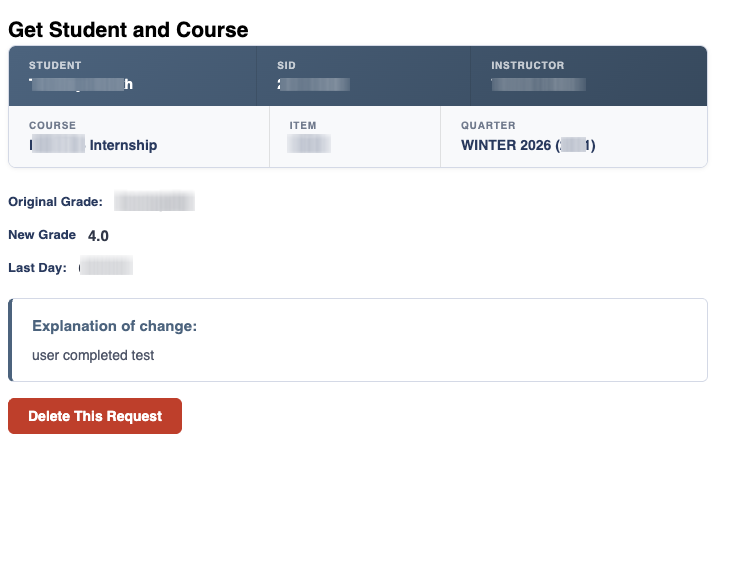
From the Request Form, if you are the instructor who submitted the request and it hasn't progressed past Division Chair approval, you can delete it by clicking the "Delete This Request" button.
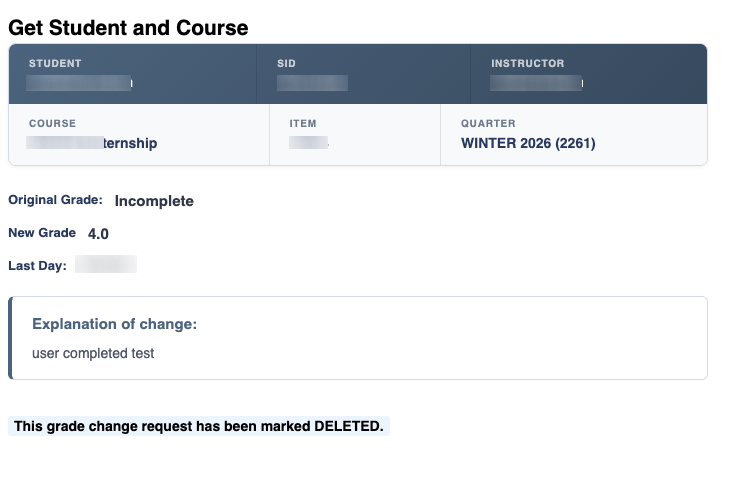
If you delete the request, it is moved to the "Deleted" category on the status report. A record of the deletion is kept in the system.